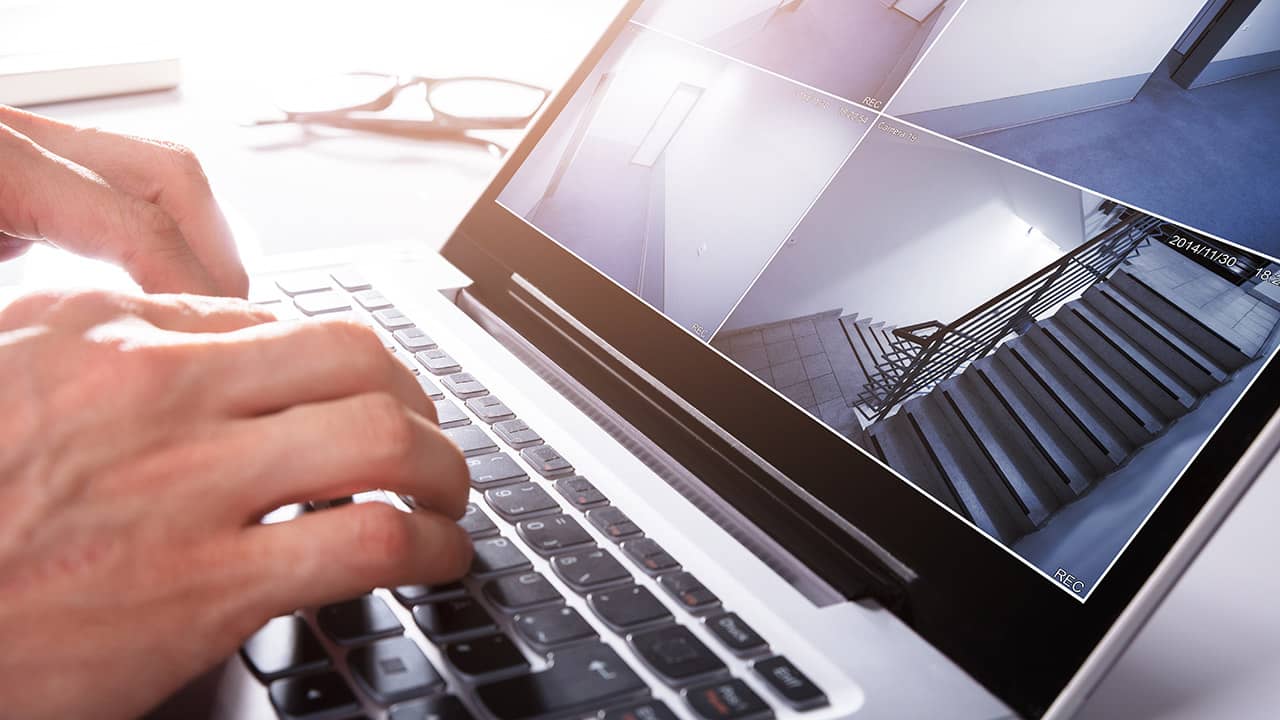
Security & Surveillance
Explore our expert articles and guides about smart home security systems and surveillance technology
Cover the entry points first
Build a simple, reliable layout: doorbell at the front, a camera on the driveway/garage, and one indoor view of the main hallway. Add a sensor on every exterior door before adding extra gadgets.
- Mount cameras at 7-9 ft, angled down to see faces and packages without sky glare.
- Use wired or PoE where possible; battery units need a recharge schedule and WiFi above -65 dBm.
- Keep night vision clean: clear spider webs and leaves monthly for sharp infrared or color night footage.
Alerts and storage that won't fail when you need them
Pick one alert path for critical events: push + email or push + SMS, and test it with WiFi off on your phone. Turn on person/vehicle detection to avoid noise from trees and cars. If you stream to the cloud, cap bitrate so uploads don't drown your internet; if you record locally to NVR/SD, back up clips for 48-72 hours off-site for theft/fire scenarios.
Door locks should auto-lock on a timer and on away-mode arming. Create one master code plus individual, expiring codes for guests. If you have smart garage control, add a tilt sensor and set a nightly auto-close to avoid an open door all night.
Power and network resilience
Put your modem/router, PoE switch, and hub on a small UPS so WiFi and cameras survive short outages. If cameras are WiFi-only, verify signal is stronger than -65 dBm outside; consider one wired camera watching the main entry so you always have a dependable angle. Set camera bitrates conservatively if your upload speed is under 10 Mbps, and avoid sharing the same 2.4 GHz channel with dozens of IoT devices.
Testing and upkeep
Run a monthly drill: open each door, walk past each motion sensor, and confirm you get alerts and recordings. Check battery levels on sensors and sirens and swap before they hit 20%. For outdoor gear, wipe lenses, verify mounts are tight, and confirm the view hasn't shifted. Re-run WiFi signal checks after moving furniture or adding metal screens that can block 2.4 GHz.
Document where footage is stored, how long it's retained, and who gets notifications. If you use professional monitoring, keep the call list current. If self-monitoring, add a secondary contact so one missed call doesn't kill your response.