Home Automation
Explore our expert articles and guides about home automation systems and smart technology
Build automations that actually fire
Use this category to create routines that run reliably, avoid conflicts between apps, and keep manual overrides simple.
- Start with a single trigger and one action, test for a week, then layer conditions (presence, time, light level).
- Prefer local control where possible so lights and plugs still work during cloud outages.
- Label every routine with the device/app that owns it to avoid hidden duplicates.

How I Keep Smart Home Devices Working Offline
Convert cloud routines to local control, add hubs, and keep lighting and locks running when the internet drops.
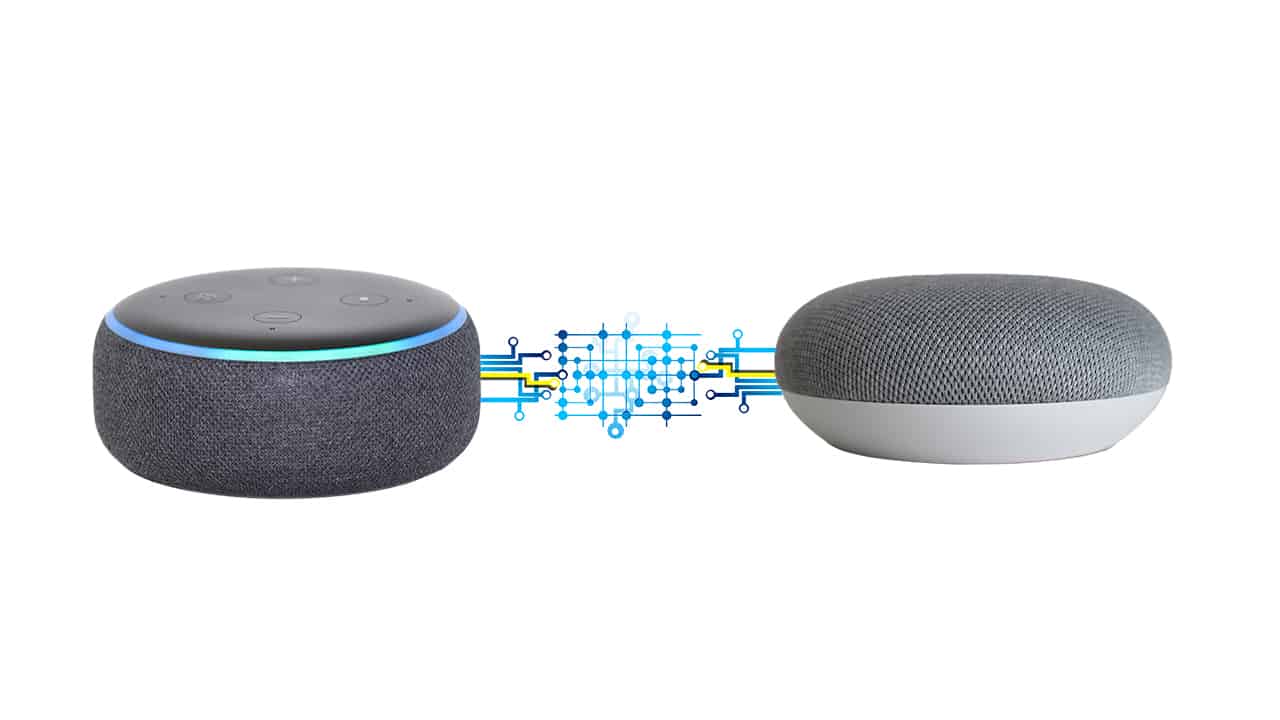
How I Use Alexa and Google Home Together
Map routines across assistants, avoid double triggers, and pick which platform owns each device.
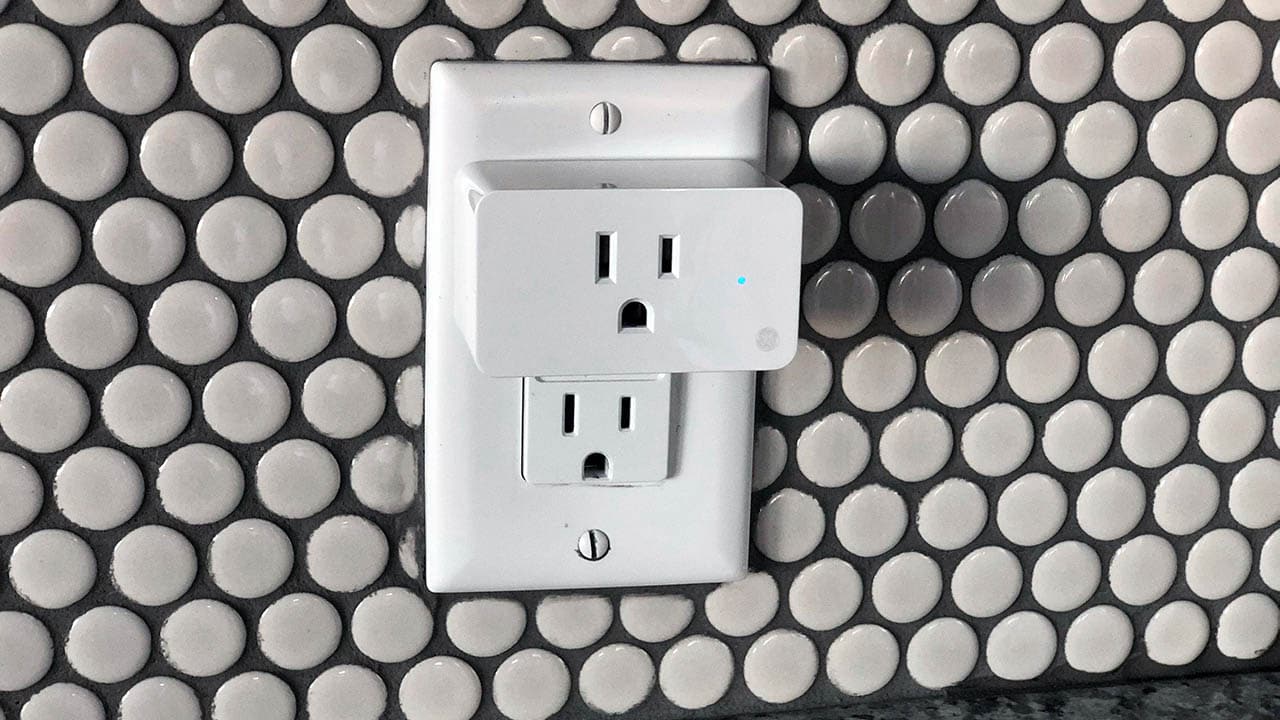
How I Check If Smart Plugs Use Electricity When Not in Use
Use monitoring plugs to verify automations, log runtimes, and trim wasted standby routines.
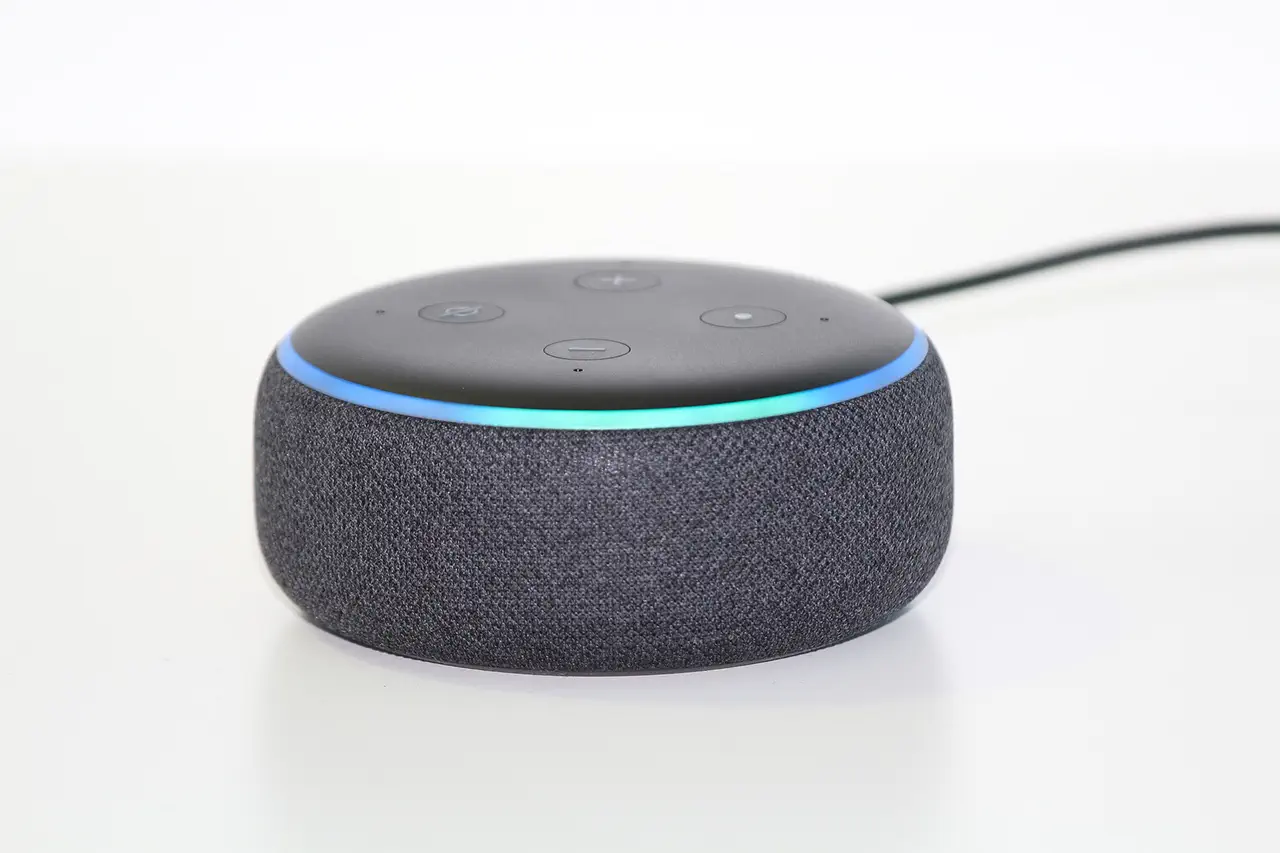
Alexa Routines Not Running on Time: My Timing Fixes
Fix Alexa routines that skip their scheduled times with these step-by-step solutions.
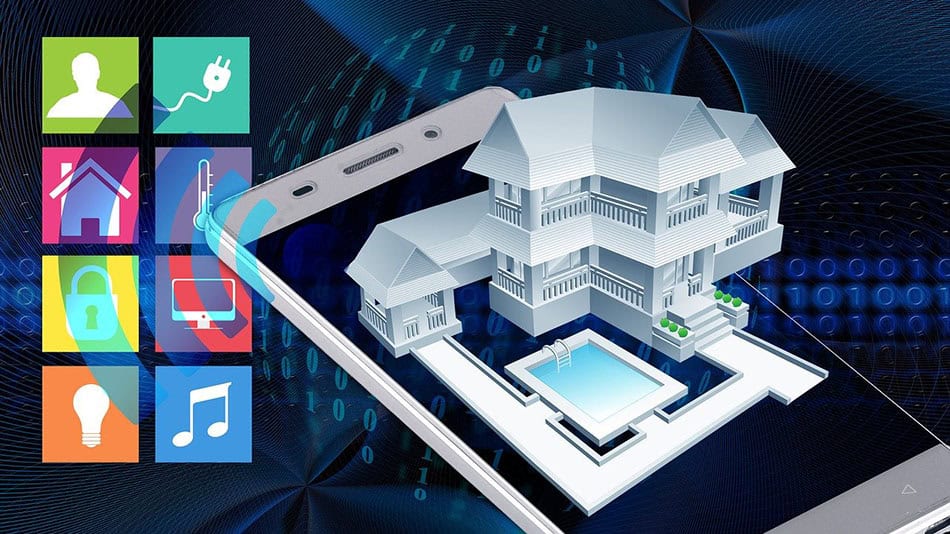
How I Troubleshoot Google Home Automation Delays
Speed up slow Google Home routines and fix automation delays with these proven fixes.
How I Fix HomeKit Automation Not Triggering
Fix Apple HomeKit automations that won't run with these troubleshooting steps.
How to Speed Up Your Smart Home Response Time
Fix slow Google Home automation delays with WiFi optimization, local processing, and routine streamlining.
Design routines that survive outages
Keep critical automations (lights on motion, locks, and alarms) running locally on a hub instead of the cloud. If you use multiple apps (manufacturer app plus Alexa/Google), assign "ownership" so only one platform writes schedules to each device. For example, let the hub handle motion-to-light rules and reserve the voice assistant for scenes and voice routines. Test with your internet unplugged to confirm the lights and locks still respond.
Use guardrails: add a single "kill switch" virtual device that disables non-essential automations during maintenance. Set timeouts on everything that turns on (fans, pumps, lights) so they switch off after a maximum duration even if the trigger fails to send the off command.
Prevent routine collisions
Conflicts usually come from overlapping triggers: a motion rule turns lights off after 5 minutes while a bedtime scene turns them off immediately, causing flicker or surprise darkness. Keep one rule per device per scenario: one for occupancy, one for time-of-day, one for security. Name them clearly (e.g., "Hallway motion after sunset" vs. "Hallway goodnight scene") and log changes when you edit timers or conditions.
When mixing platforms, avoid double-bridging devices. If a bulb is exposed to both Alexa and Google through Matter and a hub, pick one path and disable the rest. This reduces phantom duplicates and keeps automations predictable.
Quick setup checklist
- Put WiFi/zigbee hubs on UPS power; schedule a weekly reboot window for routers to keep automations stable.
- Create one "owner" for every device (only one voice assistant or hub writes routines to it).
- Test every automation in "away" mode to confirm sensors, locks, and lights respond without your phone on WiFi.
- Log motion sensor cool-down times and battery dates so you know why a trigger might be paused.
- Review routines quarterly and delete anything nobody uses; fewer rules = fewer conflicts.