Voice Assistants
Explore our expert articles and guides about voice assistants and smart speaker technology
Make assistants reliable first
Great routines start with solid basics: good WiFi, clear device names, and one primary platform per home.
- Place speakers in the open, away from TVs and vents; aim for WiFi better than -65 dBm where they sit.
- Use one ecosystem (Alexa, Google, or Siri) to own devices; disable duplicate discoveries that create "_2" devices.
- Set a default music/podcast service and news source so commands work without extra words.
Setup steps that cut friction
Run voice training/Voice Match/Voice ID so assistants recognize household members and personalize calendars, calls, and reminders. Add home and work addresses for fast traffic and ETA questions. Link your main services once. Music, calendar, reminders, and preferred video apps, so you do not have to specify them in every command.
Name devices simply: "Kitchen Lights," "Desk Lamp," "Front Door." Avoid special characters and duplicates; assistants stumble on clever names. Group devices by room so "turn off the kitchen" works and to keep scenes tidy.
Routines that actually get used
Start with three: Morning (weather, first calendar item, quick news, kitchen lights on), Leaving (turn off lights, lock doors, set thermostat eco), and Goodnight (lock, arm cameras, lights off, sleep sounds). Keep them short, if a step fails, remove it instead of stacking more.
For households mixing assistants, pick one to trigger automations and let the other do media or questions. Avoid exposing the same bulb/plug to both unless you need to; it reduces duplicate commands and "device not responding" errors.
When it stops listening
If wake words fail, lower TV/music volume, clean microphone holes, and move the speaker 3-6 feet from walls or appliances. Toggle mic mute off/on to reset, then reboot the speaker and router. Re-run Voice ID/Voice Match if responses feel generic or timers/notes are going to the wrong profile.
For smart home control errors, delete duplicate devices, then rediscover. If a device shows offline, power-cycle it and the router once before factory resetting. Most "I'm having trouble" errors are WiFi signal or duplicate-device conflicts.
Privacy and safety quick wins
- Turn on two-factor authentication and review connected devices quarterly; remove anything you do not recognize.
- Use microphone mute when hosting or during sensitive calls; set auto-delete for voice history every 3-18 months.
- Require a PIN for purchases and smart lock actions if kids or guests use the speakers.
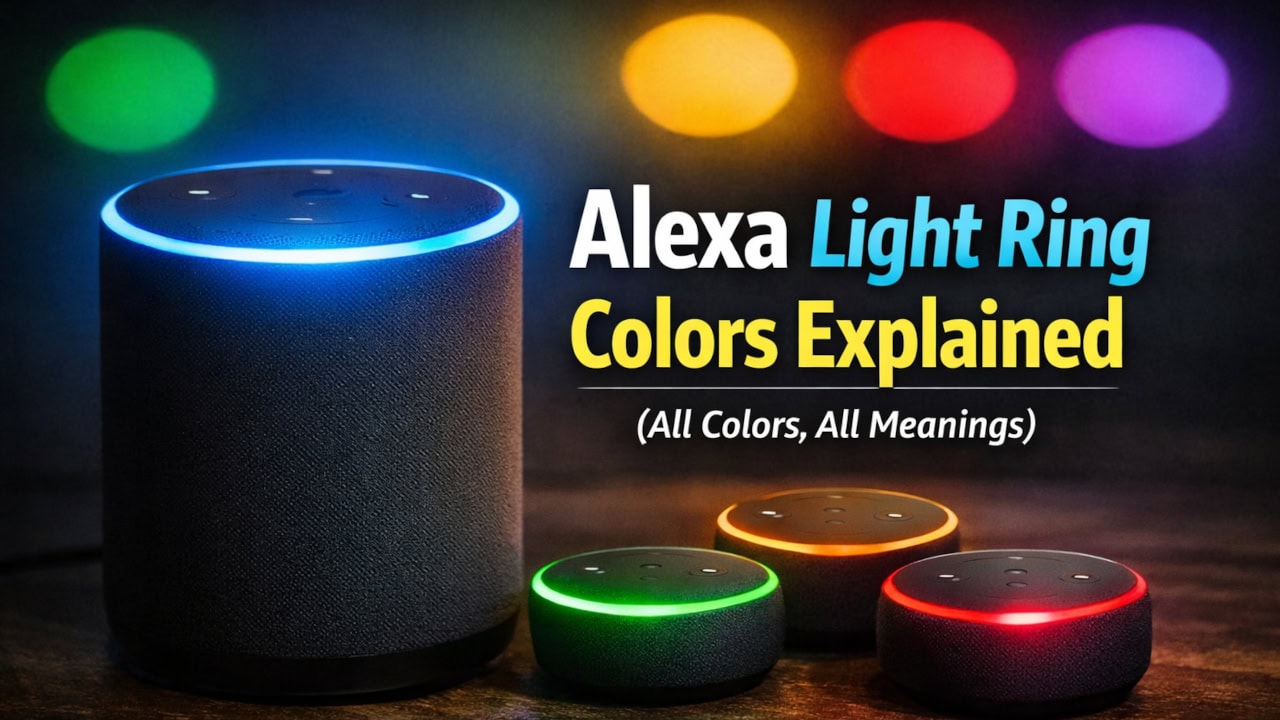
Alexa Light Ring Colors Explained (All Colors, All Meanings)
Alexa Won't Stop Listening: Quick Fixes
Alexa Solid Blue Ring: 5 Fixes I Try First
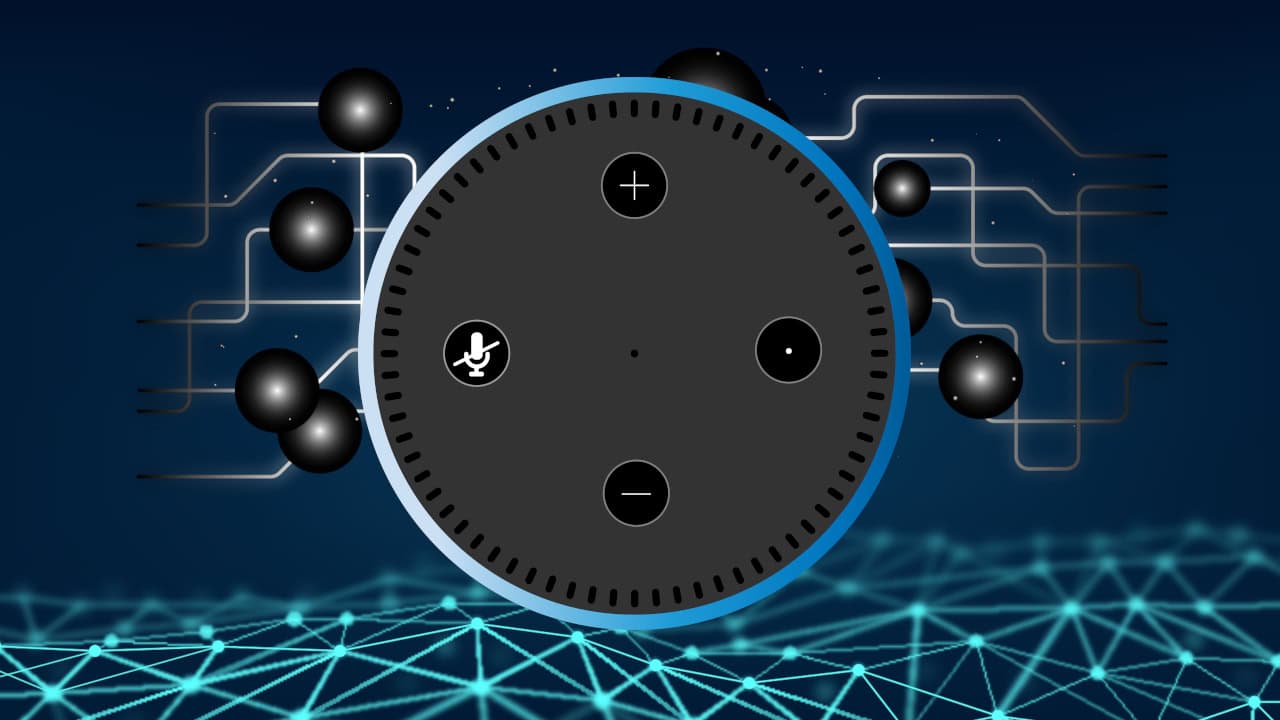
Alexa Spinning Blue But Not Responding: 6 Quick Fixes
How to Turn Off Alexa's Light Ring at Night
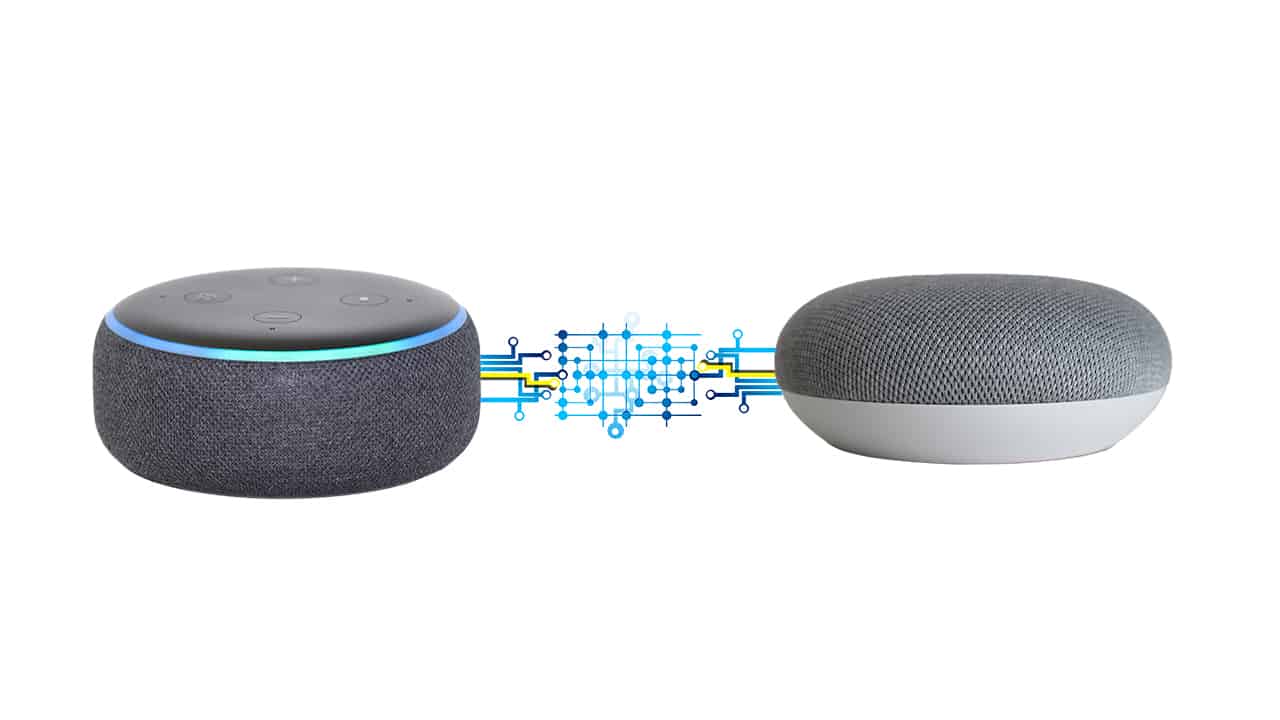
How I Use Alexa and Google Home Together
Smart Speaker Responds to TV Audio: How I Stop It