Smart Home Devices
Explore our expert articles and guides about smart home devices and connected technology
Pick the right device for the job
Match the control type to the problem you are solving. Bulbs are great for color and scenes, switches for whole circuits, plugs for lamps and small loads.
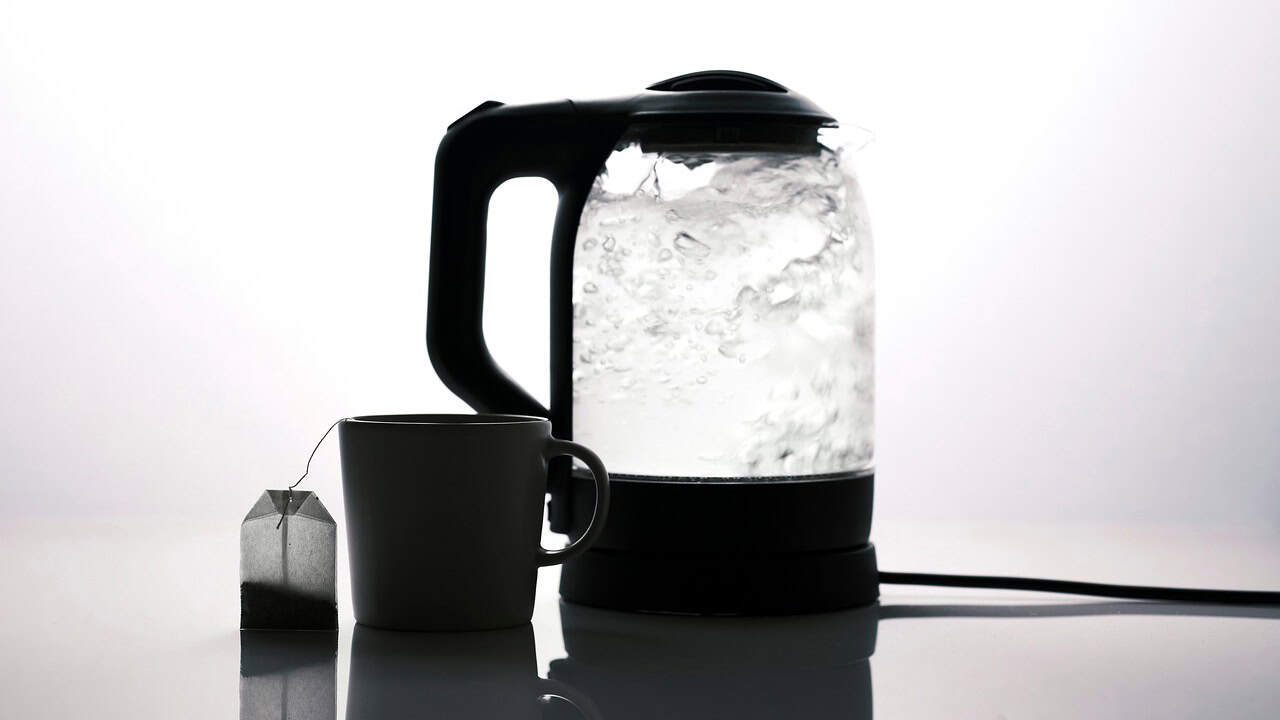
- Stay within load ratings: most indoor plugs are 15A/1800W; heaters and kettles may exceed that.
- Choose WiFi for a few devices, Zigbee/Thread for lots of sensors and fast lighting, PoE for fixed cameras.
- Rename devices plainly ("Porch Light Switch," "Desk Plug") before you build automations.
Bulbs vs switches vs plugs
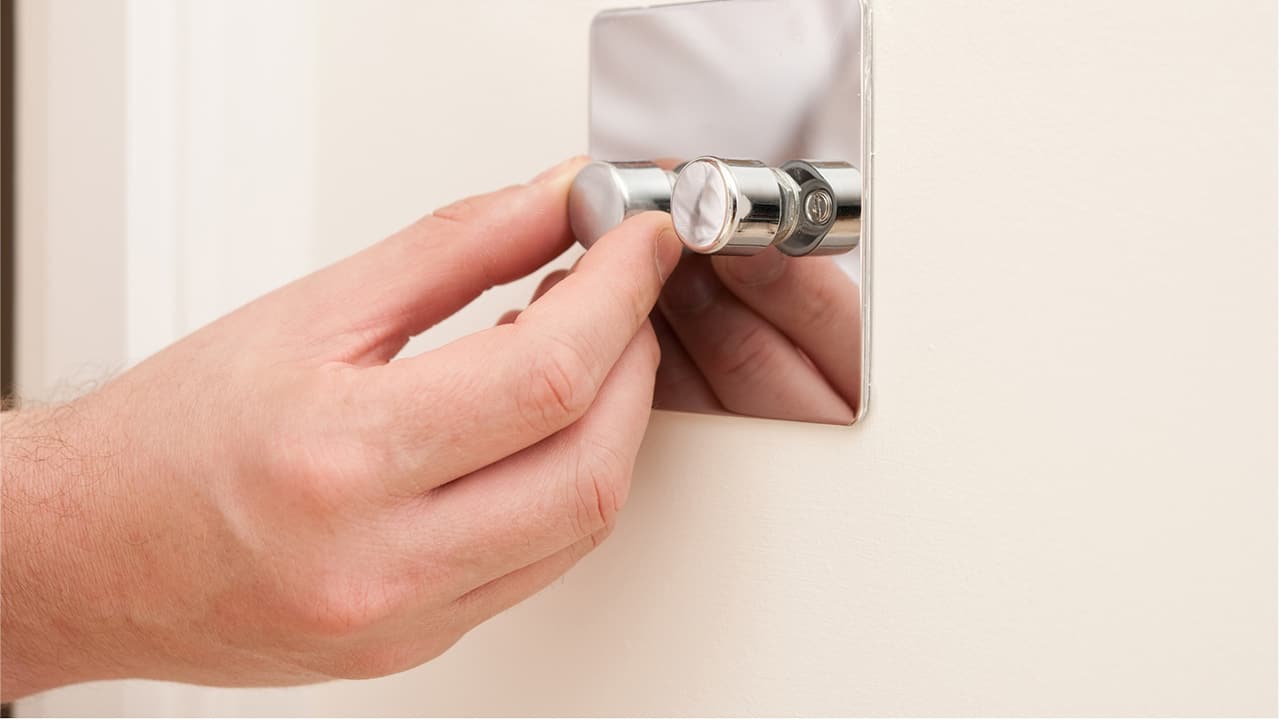
Use smart bulbs when you want color, dimming, or per-lamp control. They shine in lamps and rooms where you rarely touch the wall switch. Choose smart switches or dimmers when multiple bulbs are on one circuit or family members keep flipping the switch, manual control still works. For high-wattage fixtures or ceiling fans, a smart switch is safer than a plug or bulb.
Smart plugs are best for lamps, fans, routers on reboot schedules, and holiday lighting. Avoid plugging in space heaters, hair dryers, or anything with a heating element unless the plug is specifically rated for the load and has a safety certification (UL/ETL). Outdoor plugs should be weather-rated and on GFCI circuits.
Protocols and hubs
WiFi is simplest for a handful of devices but can bog down if you add dozens of plugs and bulbs. Zigbee and Thread create low-power meshes that keep lights and sensors responsive without overloading WiFi; they usually need a hub or a Matter-enabled speaker acting as a border router. If you already own an Echo with a built-in Zigbee radio or a HomePod mini (Thread), lean on that instead of adding more WiFi devices.
Matter support helps mix ecosystems, but still avoid exposing the same device to multiple assistants to prevent duplicate names and flaky control. Pick one "owner" platform, then share only what you need.
Deployment tips
- Stage new devices near the router for pairing, then move them to their final spot and recheck signal (aim for better than -65 dBm).
- Label breakers and loads as you install switches so you can service them later without guessing.
- Create one scene per room for "off" and one for "evening" before building complex routines.
- Keep firmware updated, change default passwords, and enable two-factor authentication on every account.
- Document which app owns each device (manufacturer vs. assistant vs. hub) to avoid edits in the wrong place.