Getting Started
Explore our expert articles and guides about getting started with smart home technology
Start with one room, one platform
You only need a stable network, a voice assistant you already own, and a couple of devices to learn the ropes. Add more only after the first room is solid.
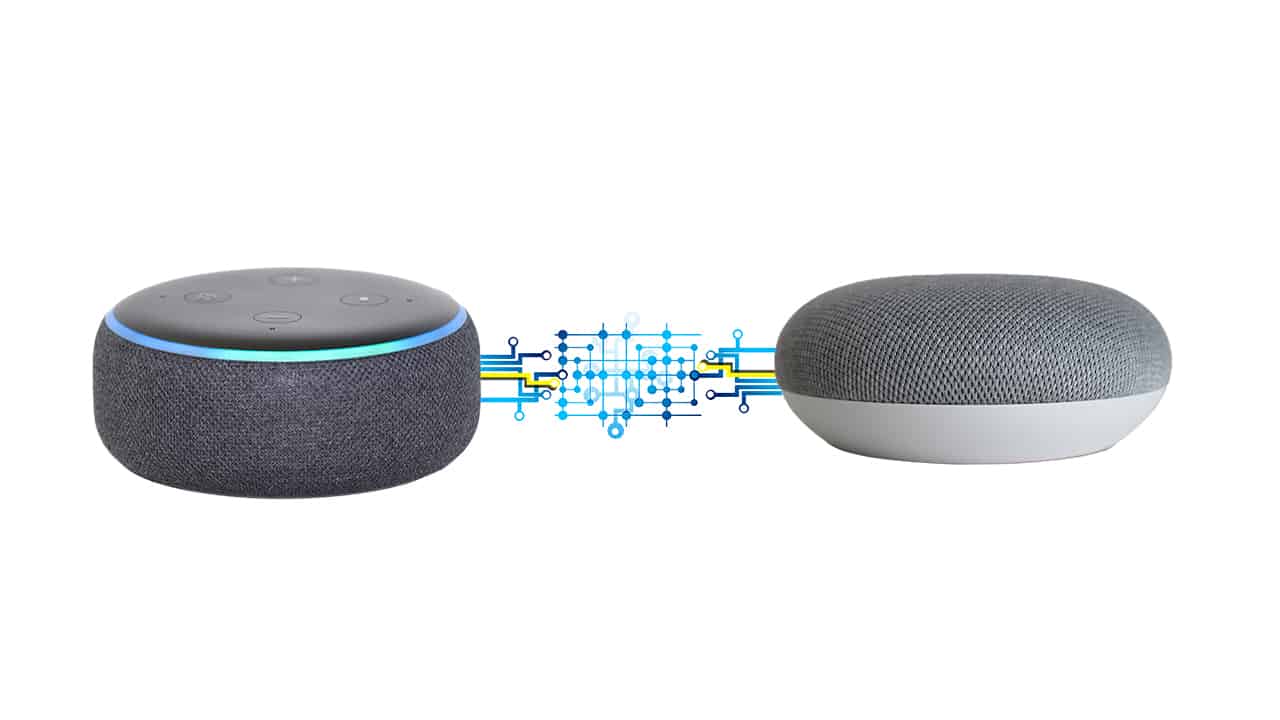
- Pick Alexa, Google, or HomeKit based on the phone you use daily; avoid mixing until you're comfortable.
- Wire what you can (TV, console, desk PC), leave 2.4 GHz WiFi for plugs and bulbs.
- Set clear names ("Desk Lamp," "Hall Plug") before you add automation.
First-week plan
Day 1-2: update your router firmware, confirm you have both 2.4 GHz and 5 GHz enabled, and place the router in the open. Day 3: add one smart plug and one bulb, name them plainly, and test on/off from both the app and voice assistant. Day 4-5: create a single schedule (lamp on at sunset, off at bedtime) and a single scene (goodnight turns off everything in that room).
Day 6-7: add a second plug or bulb and a simple motion rule in a hallway or entry. Stop there for a week; monitor reliability before expanding. If anything flakes, fix WiFi coverage or rename devices for clarity before buying more gear.
Buy order that avoids waste
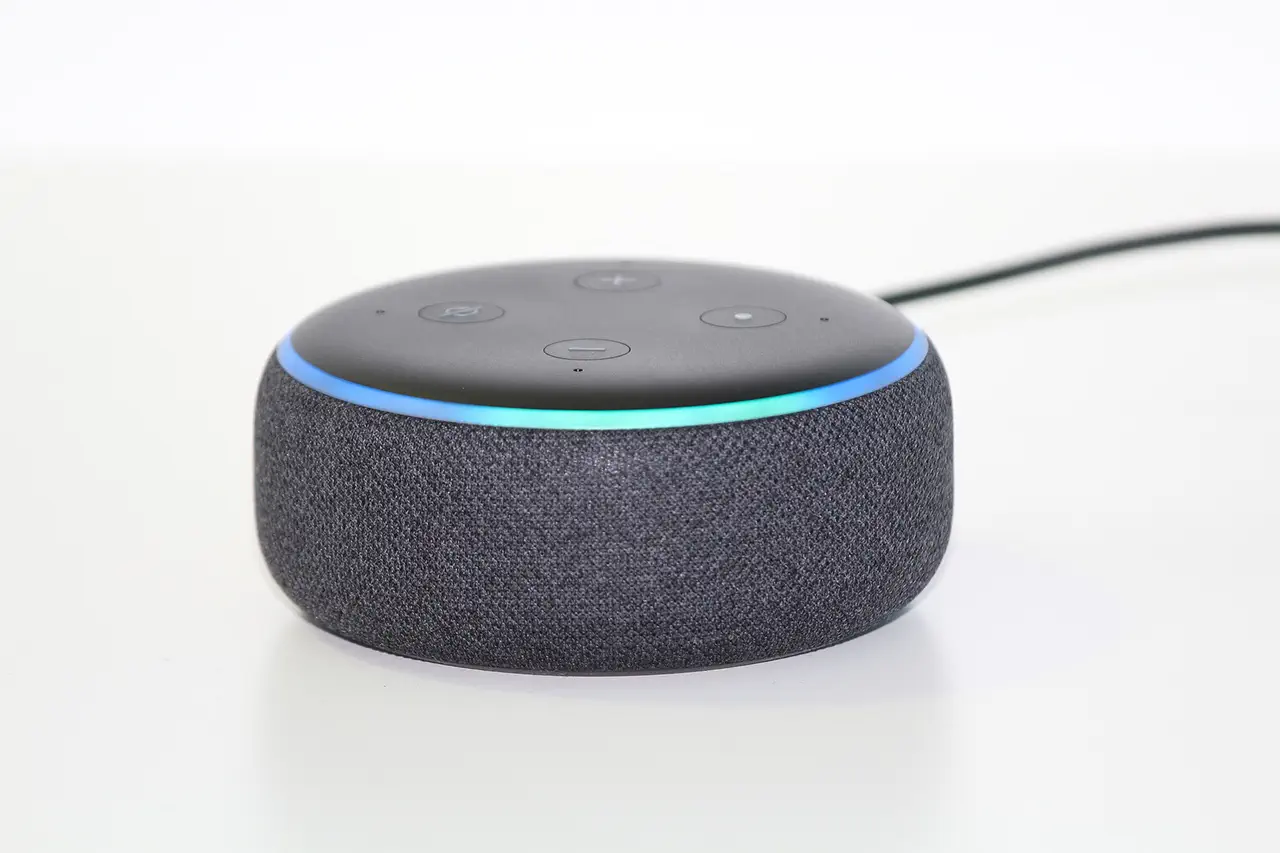
Start with a smart speaker/display if you don't already own one. Next, add 2-4 bulbs or a smart switch in your most-used room and a pair of smart plugs for lamps or fans. Only then consider a thermostat or a door lock; both require solid WiFi and careful setup. Skip hubs until you have a clear need for Zigbee/Thread (lots of sensors, low-latency lighting, or battery gear).
Check load ratings before you plug in heaters, kettles, or air fryers; most consumer smart plugs top out at 15A/1800W. If you need more, use a heavy-duty rated plug or leave that device manual.
Keep a running list of what actually improved your day and what you barely touch; use it to decide the next purchase instead of following bundle deals.
Avoid the common beginner pitfalls
- Too many apps: stick to one ecosystem app plus the device app only when needed.
- Network flakiness: devices drop if signal is weaker than about -65 dBm; fix placement before blaming the gadget.
- Over-automation: one schedule per device beats three overlapping routines that fight each other.
- Security basics: change default passwords, enable two-factor authentication, and keep firmware current.